

For the first year of my freelance career, I thought the only way to earn more was to work more hours. I was logging 10-11 hour days across various freelancing platforms, exhausted, and barely moving the needle on income. I genuinely believed burnout was just part of the freelance deal.
Then I started layering AI tools into my actual workflow , not as a gimmick, but as a real system for handling the repetitive parts of freelance work faster. The result wasn’t a small improvement. My output across freelancing platforms roughly tripled within two months, and my income followed close behind, without adding more hours to my day.
This article is the exact breakdown of how I use AI tools to get dramatically more done on freelancing platforms like Upwork and Fiverr , the tools, the workflow, the honest mistakes, and what kind of income increase you can realistically expect. If you’re tired of trading hours for dollars with no scaling path, this is for you.
What Freelancing Platforms Actually Reward (And Why AI Helps)
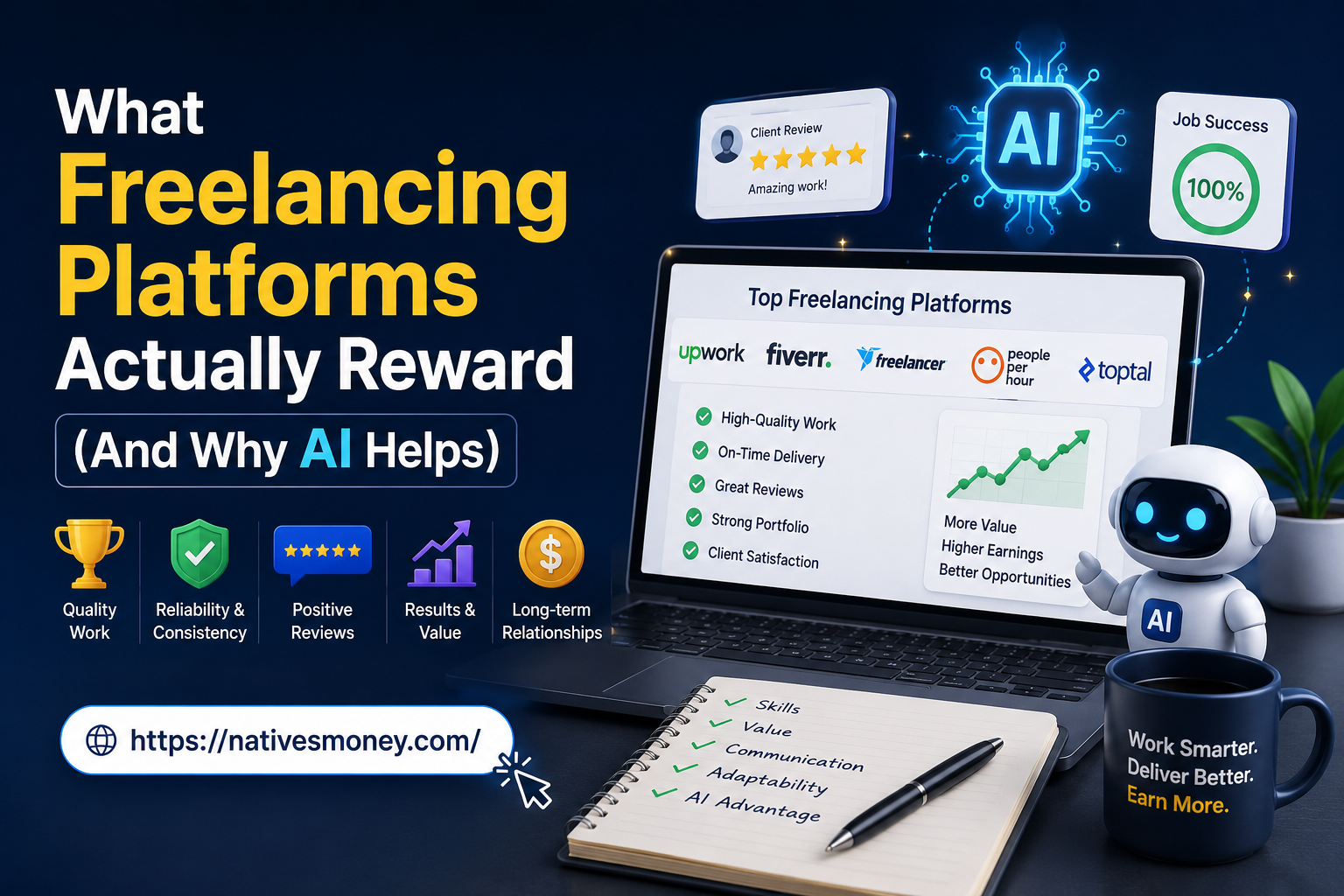
Let’s get clear on something important. Freelancing platforms don’t pay you for hours worked , they pay you for completed projects and client satisfaction. That distinction matters enormously, because it means speed and quality together are what actually drive your income, not just effort.
Think of it like a delivery driver paid per package instead of per hour. The driver who routes efficiently and works smart earns more in less time than one who just drives more hours. Freelance work from home operates the same way , efficiency, not raw hours, is what scales your earnings.
This is exactly where AI tools change math. Whether you’re a writer, designer, virtual assistant, or SEO freelancer, AI tools handle the repetitive, time-consuming parts of your work , research, first drafts, formatting, basic editing , so you can take on significantly more client volume without burning out. That’s the entire premise behind 10x-ing your output on freelancing platforms.
How I Use AI Tools to 10x My Output on Freelancing Platforms

Here’s my actual system, broken into clear steps you can apply regardless of your specific freelance niche.
Step 1: Identify the Repetitive Parts of Your Work
Before adding any AI tool, I mapped out my entire workflow for a typical project and circled every repetitive, low-creativity task , research, outlining, formatting, basic proofreading. These are exactly the tasks AI tools handle well, freeing up your time for the parts that actually require your judgment and expertise. This approach is especially useful when working through freelancing platforms, where efficiency and quality can help you manage more projects and deliver better results to clients.
For a SEO freelancer, this might mean using AI for keyword research compilation and meta description drafts. For a designer, it might mean AI-generated mockup variations. Identify your own repetitive bottlenecks first.
Step 2: Build an AI-Assisted Template for Every Recurring Project Type
Once you know your repetitive tasks, build reusable AI prompts for them. I have a saved prompt library in a simple Google Doc , one prompt for blog outlines, one for meta descriptions, one for client proposal drafts, one for project status updates.
This single habit has probably saved me more time than any individual tool. Instead of starting from scratch each time, I plug new details into a proven template and get a strong first draft in seconds.
Step 3: Use AI for Client Communication (Carefully)
A surprisingly large chunk of freelance time goes into writing emails, proposals, and project updates. I use ChatGPT to draft the first version of client communications, then edit for tone and accuracy before sending. This alone has cut my communication time by roughly half.
One important caveat: never send AI-generated client communication without reading it carefully first. A wrong detail or mismatched tone in a proposal can cost you a project , I learned this the hard way early on.
Step 4: Automate Research and First Drafts
Whatever your service is, there’s almost certainly a research or drafting phase you can speed up with AI. As an SEO freelancer, I use AI to compile competitor content gaps and generate first-draft content briefs, which I then refine with my own expertise and current SEO knowledge.
This step typically cuts my project research time by 50-70%, which is where the bulk of my output increase actually comes from.
Step 5: Use AI Tools for Quality Control Before Delivery
Before delivering any project on freelancing platforms, I run a final AI-assisted check , using Grammarly for writing projects, or asking ChatGPT to review a deliverable against the original client brief to catch anything I might have missed.
This extra step takes 5-10 minutes but has saved me from embarrassing client-facing mistakes more than once.
Step 6: Track Time Saved and Reinvest It in More Clients
Every two weeks, I compare how long projects take now versus before I integrated AI tools into my workflow. The time saved gets reinvested into taking on additional clients rather than working fewer hours , though you could absolutely choose the latter if work-life balance matters more to you than scaling income.
Freelancing Tips for Using AI Tools Effectively
Beyond the step-by-step system, here are a few freelancing tips that made a real difference in how effectively I use AI in my daily work.
Be specific with your prompts. Vague AI requests produce vague, generic output that takes longer to fix than it would have taken to write from scratch. The more context and specificity you give, the better the first draft.
Keep a swipe file of your best AI outputs. When an AI-generated draft turns out really well, save it as a reference template for similar future projects. This builds your personal prompt library over time.
Never skip the human edit. Every single deliverable gets a human pass before it reaches a client, no exceptions. This is non-negotiable across all freelancing platforms if you want to protect your reputation.
Mistakes I Made Trying to Scale My Freelance Output
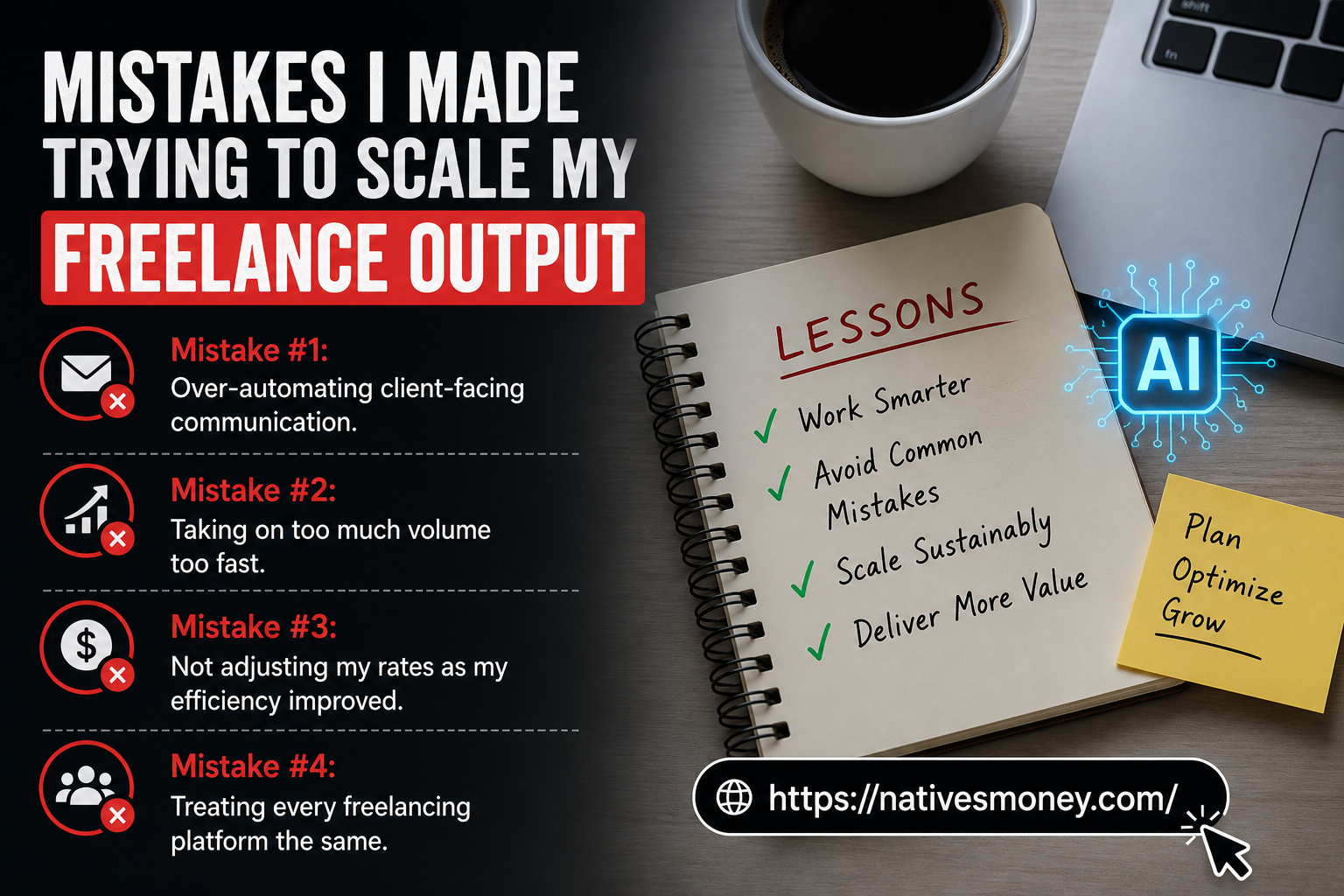
Mistake #1: Over-automating client-facing communication. I once sent an AI-drafted email that sounded slightly off-tone to a long-term client, and they noticed immediately. Always read communication out loud before sending , if it doesn’t sound like you, it’ll show.
Mistake #2: Taking on too much volume too fast. Once I realized I could work faster, I overcommitted to client work in my first month of using AI tools and ended up missing two deadlines. Scale your client load gradually as you confirm your actual new capacity.
Mistake #3: Not adjusting my rates as my efficiency improved. For months, I kept charging the same rates I had before AI tools, even though I was completing work in half the time. I was essentially giving away the efficiency gains for free. Once I adjusted my pricing structure, my income reflected the real value I was delivering.
Mistake #4: Treating every freelancing platform the same. Early on, I used identical profiles and pitches across multiple freelancing websites without tailoring anything. Each platform has a different buyer mindset , Upwork clients want detailed proposals, Fiverr buyers want clear, scannable gig listings. Adjust your approach per platform.
What to Realistically Expect
Let’s talk about honest numbers. In the month before I started using AI tools seriously, I completed about 12 projects across various freelancing platforms and earned roughly $1,400. Two months after building out my AI-assisted workflow, I completed 28 projects in the same time period and earned $3,100.
This isn’t an overnight transformation , it took about three weeks of testing prompts, refining my templates, and adjusting my workflow before the time savings became consistent and reliable. Most freelancers I’ve talked to who take this seriously see meaningful output increases within four to eight weeks.
On the US tax side, increased freelance income means increased self-employment tax responsibility. As your earnings grow, consider making quarterly estimated tax payments to the IRS rather than facing one large bill in April. A simple rule: set aside 25-30% of every payment the moment it comes in, before you’re tempted to spend it.
Best Freelancing Platforms and AI Tools to Get Started
If you’re looking to apply this system yourself, here’s where I’d start:
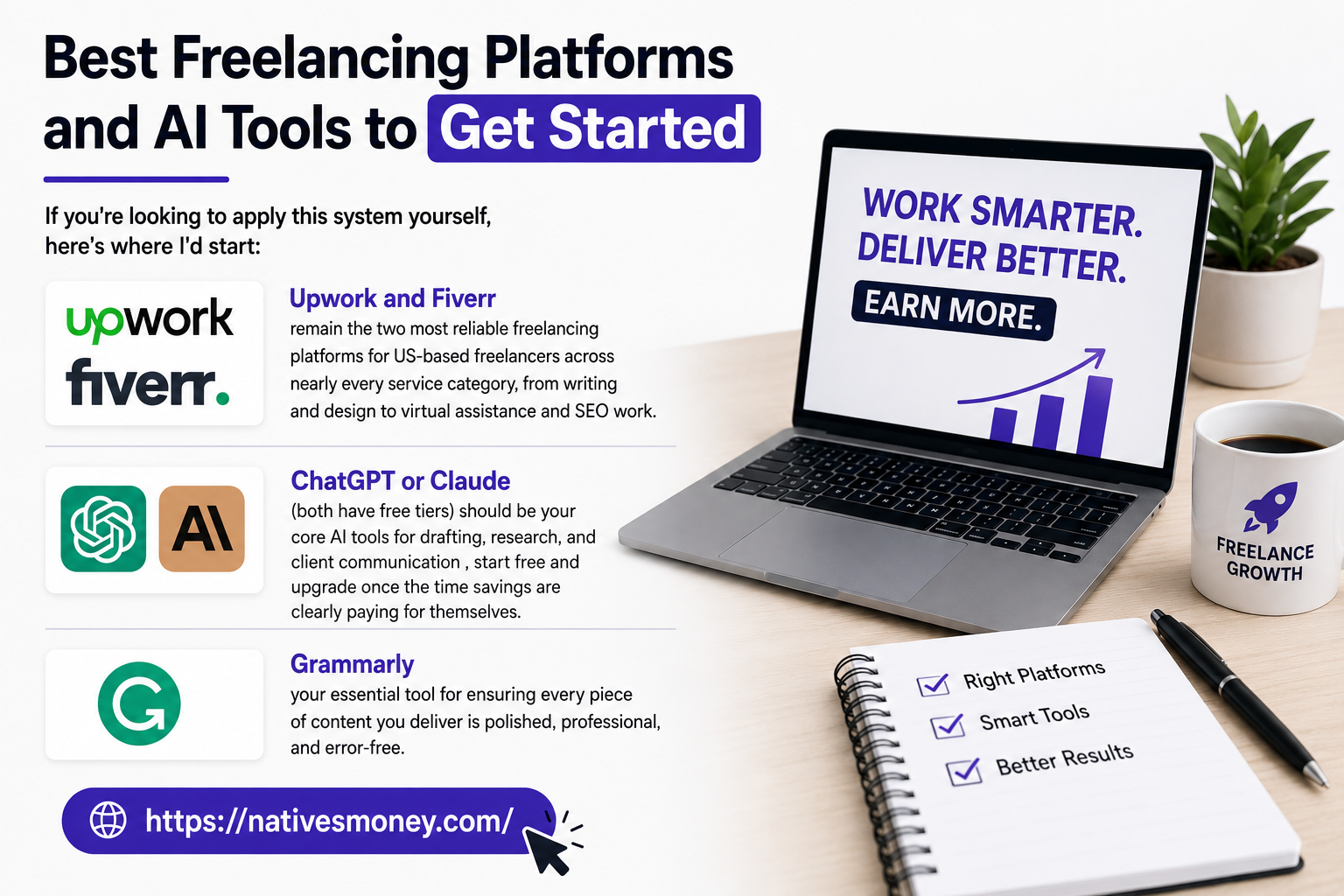
Upwork and Fiverr remain the two most reliable freelancing platforms for US-based freelancers across nearly every service category, from writing and design to virtual assistance and SEO work.
ChatGPT or Claude (both have free tiers) should be your core AI tools for drafting, research, and client communication , start free and upgrade once the time savings are clearly paying for themselves.
Grammarly (free plan available) handles the final quality-control pass on any written deliverable, catching errors before they reach a client and damage your reputation.
For more practical strategies on building sustainable freelance income, the Entrepreneurship section at Natives Money has additional real-world breakdowns worth reading.
The Bottom Line
Freelancing platforms reward output and quality, not hours logged , which means AI tools genuinely change the income ceiling for freelancers willing to build a smart workflow around them. Whether you’re a writer, an SEO freelancer, or offer any other service, the principle is the same: automate the repetitive parts, protect the parts that need your judgment, and reinvest the time you save.
If you’re ready to get more from the freelancing platforms you’re already using, start with one AI tool, one repetitive task, and build from there. The freelancers earning more aren’t necessarily more talented , they’ve just built a faster, smarter system. For more honest, practical income strategies, keep exploring nativesmoney.com.
Frequently Asked Questions
What are the best freelancing platforms for using AI tools?
Upwork and Fiverr remain the most reliable freelancing platforms for US-based freelancers across writing, design, virtual assistance, and SEO work. Both platforms allow you to deliver AI-assisted work as long as the final product meets client quality expectations and any platform-specific AI disclosure policies.
What are some practical freelancing tips for working from home?
Useful freelancing tips for freelance work from home include building a consistent daily schedule, using AI tools to handle repetitive tasks, and tracking your actual hourly rate to ensure you’re charging appropriately for your output. Treating freelancing like a real business, not a casual side activity, makes the biggest long-term difference.
How can an SEO freelancer use AI tools to work faster?
An SEO freelancer can use AI tools for keyword research compilation, content brief generation, meta description drafts, and competitor gap analysis. These tasks are time-consuming when done manually but can be significantly accelerated with AI, freeing up time for strategic work that actually requires specialized SEO expertise.
Are freelancing websites oversaturated for new freelancers?
While freelancing websites have more competition than a few years ago, demand for skilled freelancers who deliver quality work consistently remains strong. Niching down, building a focused portfolio, and using AI tools to increase your output efficiency all help new freelancers stand out on competitive freelancing platforms.
Can freelance work from home really replace a full-time income?
Yes, though it typically takes six months to a year of consistent effort to build to full-time income levels. Many successful freelancers start part-time around an existing job, use AI tools to maximize their output across freelancing platforms, and transition to full-time freelance work from home once their income becomes reliable.