
I used to think design work was something you either had a talent for or you didn’t , and I definitely fell into the “didn’t” category. My handwriting looks like a doctor’s prescription and my sense of color coordination is, generously, “experimental.” So when someone told me I could make money using free Canva templates, I laughed it off.
But here’s the thing , I was wrong, and I want to walk you through exactly why. The problem most people face isn’t a lack of creativity; it’s not knowing where to start, what to make, or how to actually sell it once it’s made. That’s exactly what this article is going to fix for you.
By the end of this, you’ll understand how free Canva templates can become a real income stream, what platforms work best for selling them, and how I personally went from messing around in Canva on a Sunday afternoon to making consistent sales. If you’ve ever searched for free Canva templates and wondered if there’s money in this, keep reading.
What Free Canva Templates Actually Are (Explained Simply)
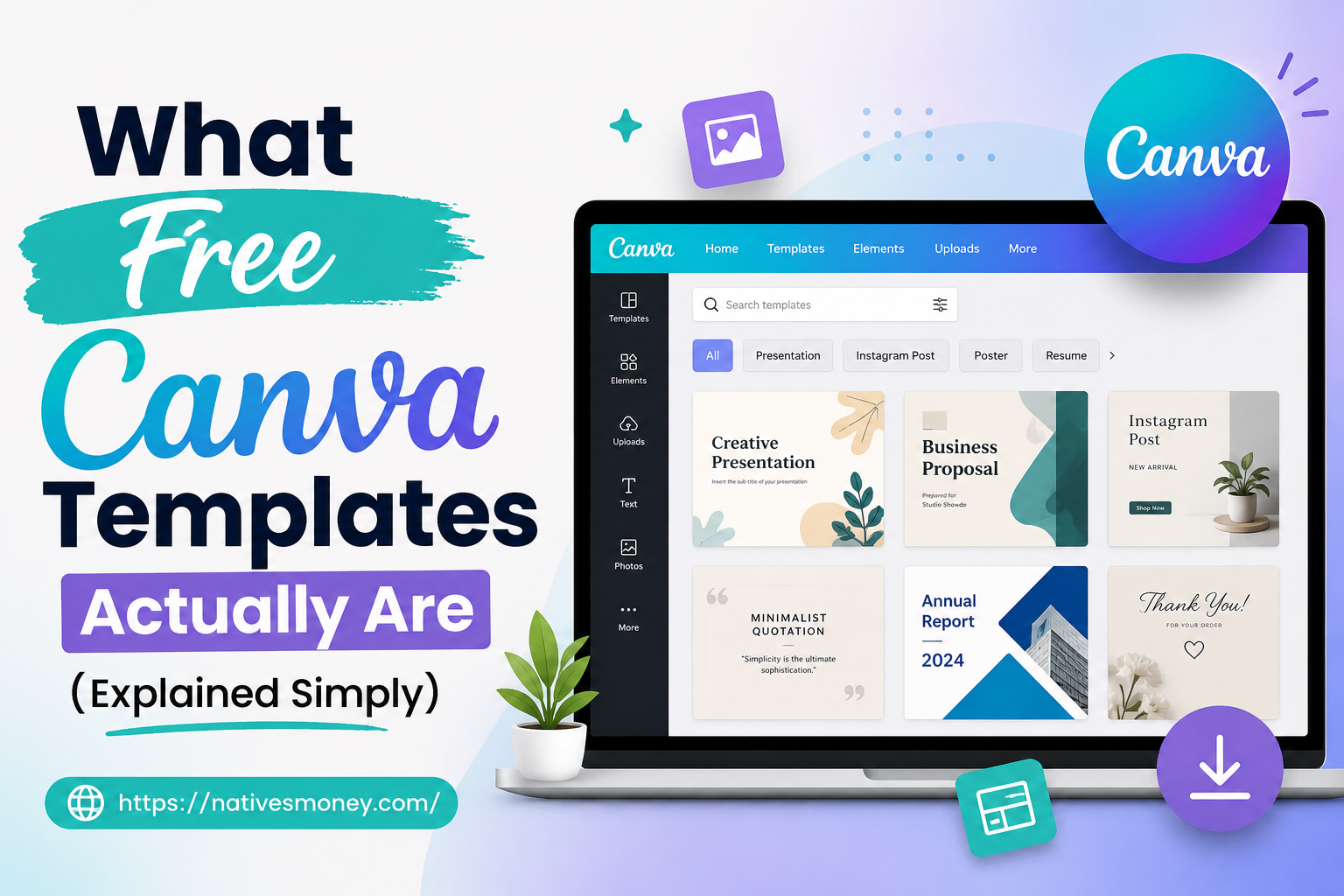
Let’s break this down in plain English. A template, in Canva terms, is a pre-designed layout , think of it like a fill-in-the-blank form, except instead of words, you’re filling in colors, images, fonts, and text. Someone else builds the structure, and the buyer customizes it for their own use.
Think of it like buying a house that’s already framed, wired, and plumbed , you just need to pick the paint color and furniture. That’s the appeal of free Canva templates for buyers: they skip the hardest part (the structure) and just personalize the details.
Two of the most popular categories I’ve sold in are in high demand because small business owners and freelancers need them constantly but don’t want to design from scratch. Canva itself offers a free tier, which is what makes this whole business model accessible to almost anyone, regardless of budget.
How I Started Selling Canva Templates: My Step-by-Step Process
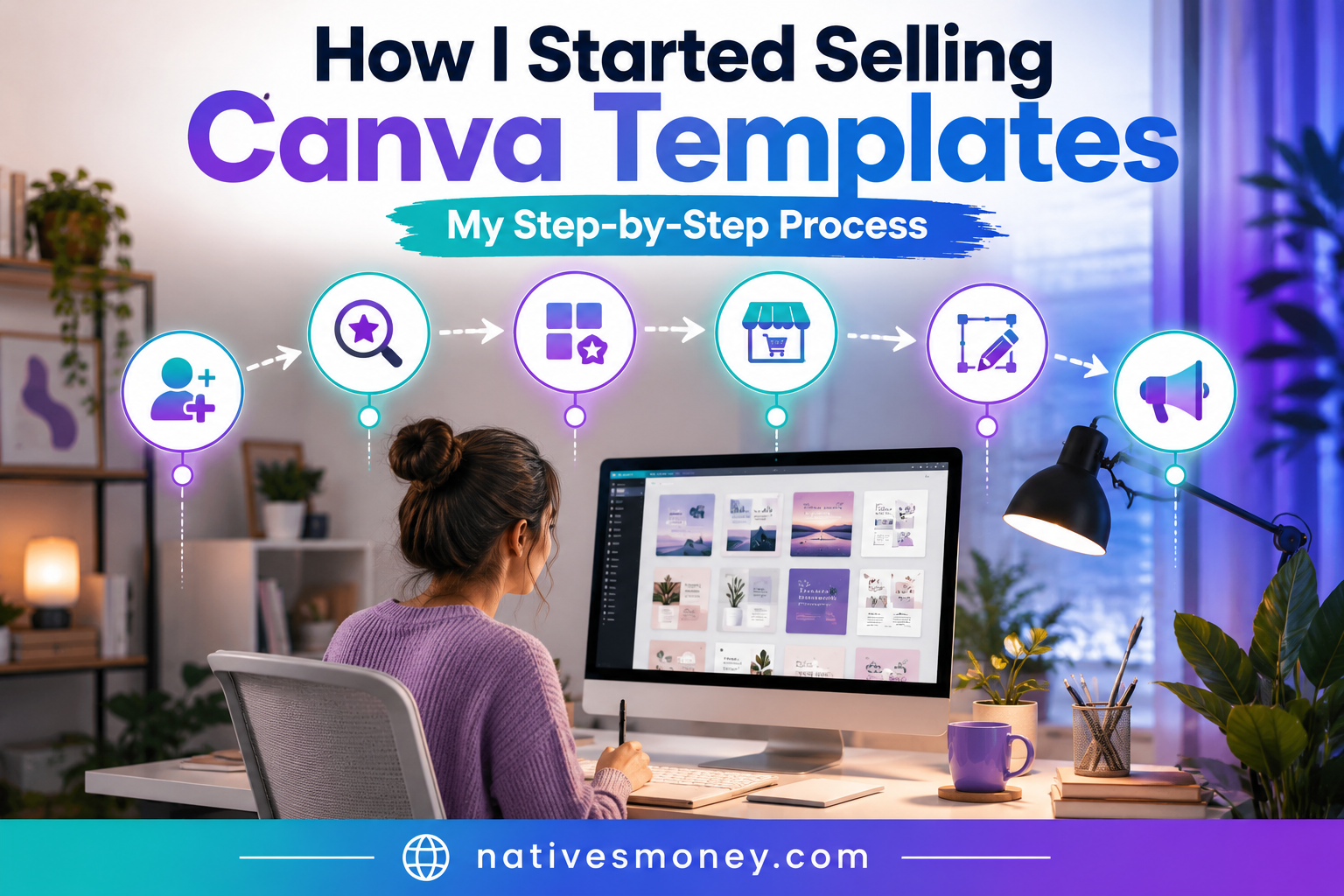
Here’s the actual roadmap I followed, broken into manageable steps.
Step 1: Sign Up for Canva’s Free Plan
You don’t need Canva Pro to get started , the free version of Canva has more than enough tools, fonts, and elements to build sellable templates. I spent my first two weeks entirely on the free plan, just exploring what was possible before spending a dollar.
This is one of the biggest advantages of this business model: free Canva templates as a starting point mean your only real investment is time.
Step 2: Pick a Template Category and Stick to It
Instead of trying to make everything, I picked one category first: canva newsletter templates. Newsletters are in constant demand from small businesses, bloggers, and solopreneurs who want a professional look without hiring a designer.
Once I had a small collection of newsletter designs, I branched into other categories , including a model business canvas template, which is popular with startup founders and business students who need a clean visual to map out their business model.
Step 3: Build a Cohesive Collection (Not Just One-Offs)
Buyers respond better to bundles than single items. I built sets of five to ten free Canva templates in a matching style — same fonts, same color palette, same overall aesthetic — so the whole collection felt like a professional brand kit rather than random designs.
This also applies to things like a canva timeline template, which works well sold as part of a project-planning bundle alongside calendars and to-do list designs.
Step 4: Set Up Your Shop on Etsy
Etsy remains the easiest US-based platform for selling digital templates. I created listings for each bundle, used Canva itself to design my product mockup images (very meta, I know), and priced individual templates between $4-9, with bundles priced higher.
Etsy handles payment processing and digital file delivery for free Canva templates, which removes a major technical barrier for beginners.
Step 5: Make Templates “Editable” the Right Way
This part tripped me up at first. Buyers expect to open your template and customize it themselves , usually through a shared Canva link that creates a copy for them. I had to learn how to set sharing permissions correctly so buyers got their own editable copy without being able to edit my master file.
Once I figured this out, my refund requests dropped to almost zero.
Step 6: Promote with Pinterest and Canva’s Own Community Features
Pinterest has been my best traffic source by a wide margin. I create pins showcasing each template , newsletter designs, business canvas layouts , and link them back to my Etsy shop.
I also occasionally browse Canva’s own template marketplace to study what’s trending, which helps me pick my next design category.
Mistakes I Made Selling Canva Templates (Learn From These)
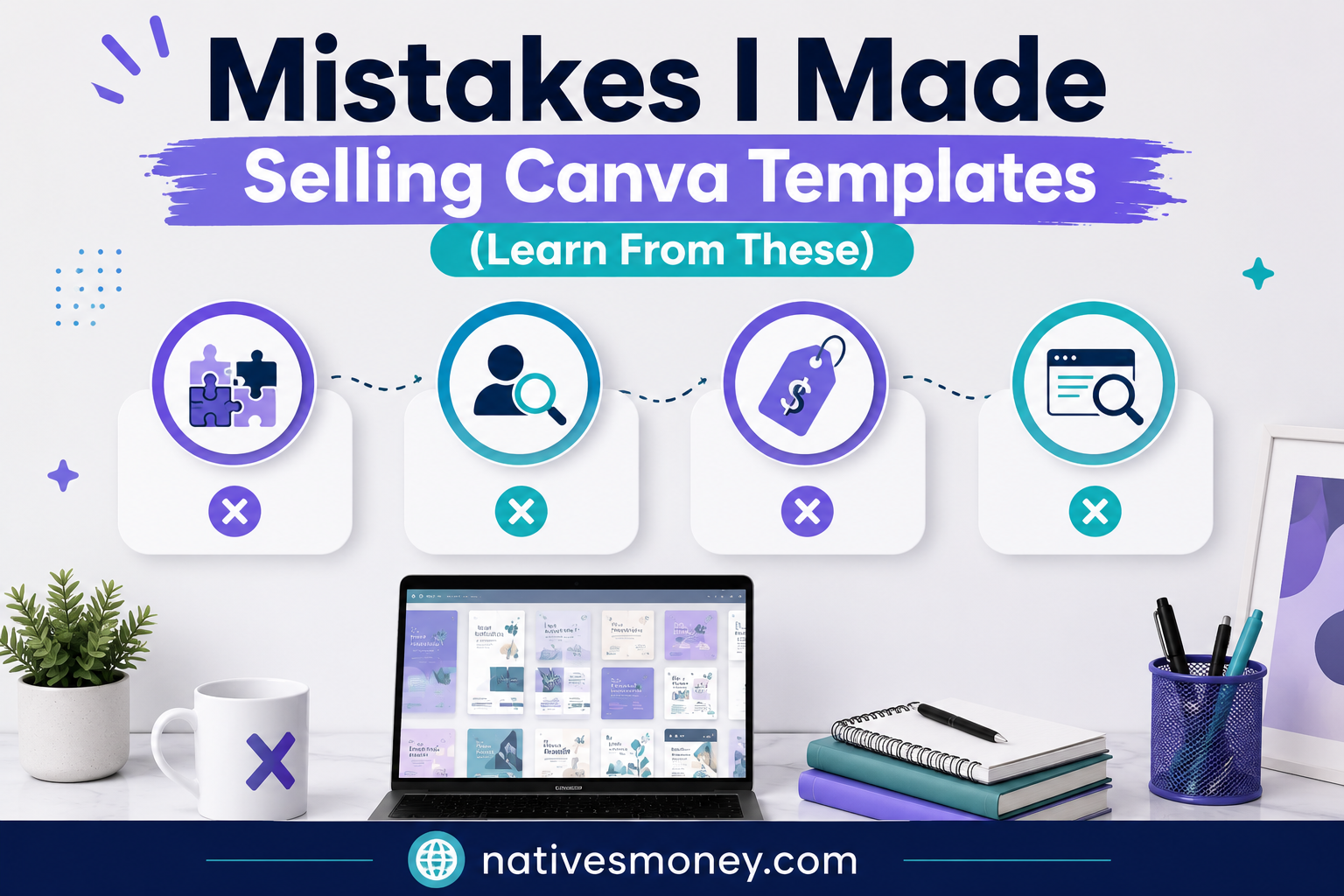
Mistake #1: Making templates too complex. My early designs used fonts and elements that weren’t available on Canva’s free plan, which meant buyers without Canva Pro couldn’t actually use what they bought. I switched to only using free-tier elements and fonts, which widened my potential customer base significantly.
Mistake #2: Not testing my own templates as a “buyer.” I once listed a canva newsletter templates bundle without testing the shared link from a fresh account. Turns out the sharing settings were wrong, and a customer couldn’t access it. Always test your delivery process from a brand-new account before listing anything.
Mistake #3: Underpricing everything. I started by pricing individual templates at $1-2, assuming low prices would drive volume. It didn’t , it just signaled low quality. Once I raised prices to match comparable listings from established sellers, both my sales and revenue per sale improved.
Mistake #4: Ignoring SEO on my listings. My early Etsy listings had vague titles like “Cute Template Pack.” Once I started using specific, searchable terms , like or “canva timeline template printable” , my visibility in Etsy search improved dramatically.
What to Realistically Expect
Let’s talk about real numbers, because hype doesn’t help anyone here. In my first month selling free Canva templates-based designs on Etsy, I made about $22. That’s not a typo , twenty-two dollars. It was discouraging, but it proved the concept could work.
Pinterest has been my best traffic source by a wide margin. I create pins showcasing each template , newsletter designs, business canvas layouts, and business canvas template bundles , and link them back to my Etsy shop.
On the US side, this counts as self-employment income for tax purposes. Etsy will issue a 1099-K if your sales cross certain thresholds, and you’re responsible for reporting this income regardless of whether you receive a 1099-K. I keep a simple spreadsheet tracking sales and any related expenses, which makes things much easier come tax season.
Best Tools and Resources to Get Started
If you want to try this yourself, here’s where I’d point you:
Canva is obviously the core tool , and the great news is that free Canva templates can be built entirely on the free plan, with Canva Pro only becoming worthwhile once you’re making consistent sales and want access to premium elements.
Etsy is still the most beginner-friendly US marketplace for digital downloads, handling payments, delivery, and even some built-in search traffic for new sellers.
Pinterest (free to use) is essential for driving traffic to your listings , I’d treat it as a non-negotiable part of this business model, not an optional extra.
If you’re interested in other low-cost, beginner-friendly business ideas, the Startups section at Natives Money has more real examples worth exploring.
The Bottom Line
Learning how to build and sell free Canva templates turned out to be one of the most accessible income streams I’ve tried , no design degree, no expensive software, just consistency and a willingness to learn from early mistakes. From canvas newsletter templates to a model business canvas template to a simple canva timeline template, there’s real demand for designs that solve everyday problems for busy people.
If you’re searching for free Canva templates as a way to start earning online, my advice is simple: start small, pick one category, and actually finish a collection instead of overthinking it. For more honest, practical income ideas like this, keep exploring nativesmoney.com , built from real experience, not guesswork.
Frequently Asked Questions
Where can I find free Canva templates to start selling?
You don’t need to “find” templates to sell , you build your own using Canva’s free plan, which includes thousands of free elements, fonts, and layouts. The key with free Canva templates is creating original designs rather than reselling Canva’s existing templates directly, which usually violates licensing terms.
Are canva newsletter templates in demand?
Yes, canva newsletter templates are consistently popular because small businesses, bloggers, and freelancers need professional-looking newsletters but don’t want to design from scratch. This is one of the easier categories for beginners to start with when selling free Canva templates.
What is a model business canvas template used for?
A model business canvas template is a one-page visual tool used by entrepreneurs and startups to map out their business model , covering things like value proposition, revenue streams, and customer segments. These sell well to startup founders and business students searching for free Canva templates they can customize.
Can a canva timeline template actually make money?
It is popular as part of project planning or productivity bundles, especially when paired with calendars or to-do lists. Bundling it with other planning tools tends to sell better than listing it alone.
Do I need Canva Pro to sell templates made from free Canva templates?
No, you can build and sell using only free Canva templates and free-tier elements, which actually widens your potential customer base since not all buyers have Canva Pro. I’d only recommend upgrading to Pro once you’re making consistent sales and want access to premium fonts or elements.