

The first time I tried to set up a freelancer portfolio website, I stared at a blank page for three hours, convinced I had nothing worth showing. No clients yet, no finished projects, no case studies , just a skill I believed in and a deep fear that any potential client who clicked on my portfolio would immediately see through me.
The catch-22 of freelancing is brutal and everyone hits it: you need a portfolio to get clients, but you need clients to build a portfolio. What changed everything for me was learning to use AI tools to solve this problem systematically , creating high-quality sample work fast, presenting it on the right freelancer portfolio website, and framing it in a way that converted browsers into paying clients even without a single real testimonial to show.
This article walks through exactly how I did that , which AI tools I used, which freelancer portfolio website I chose and why, and what the finished portfolio actually looked like when I started landing work from it. If you’re stuck in that same blank-page paralysis, this is your way out.
What a Freelance Portfolio Actually Needs to Do
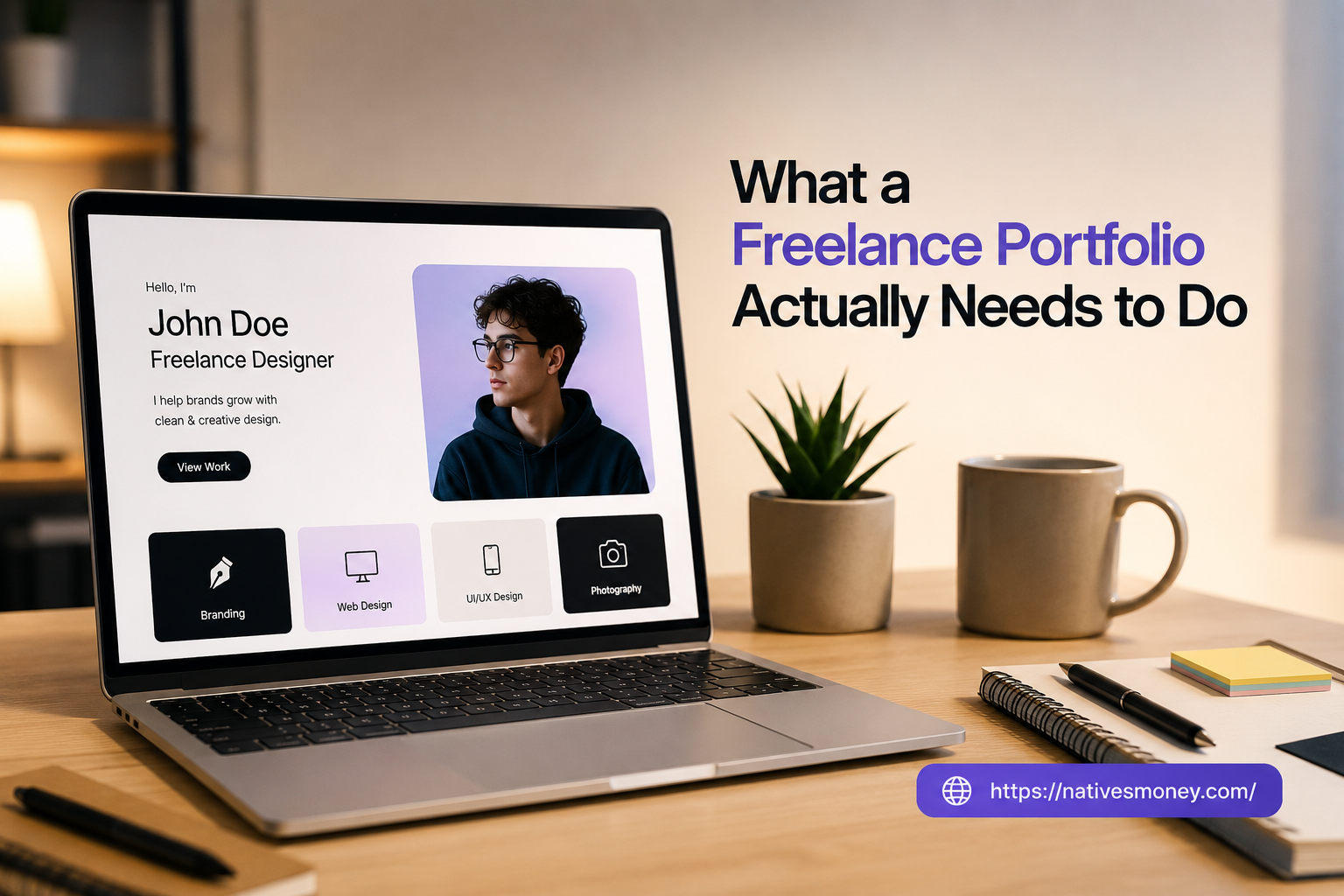
Let me simplify this, because most portfolio advice overcomplicates it. A freelancer portfolio website has one job: remove doubt. When a potential client lands on your portfolio, they’re asking themselves one question , “Can this person actually do what I need?” Your portfolio either answers that question clearly or it doesn’t.
Think of it like a menu at a restaurant. A menu doesn’t tell you the chef’s entire life story , it shows you a clear, curated selection of what they make well. A strong freelancer portfolio website does the same: curated samples, clear service descriptions, and just enough about you to establish trust. Three polished samples beat fifteen mediocre ones every time.
The role of best AI tools for business use cases like this is to compress the time between “I want to freelance” and “I have a portfolio worth showing.” Instead of waiting months for real client projects, AI tools let you produce professional-quality sample work in days , work that demonstrates your capability just as effectively as anything a paying client would have assigned.
How to Build Your Freelancer Portfolio Website Using AI: Step by Step
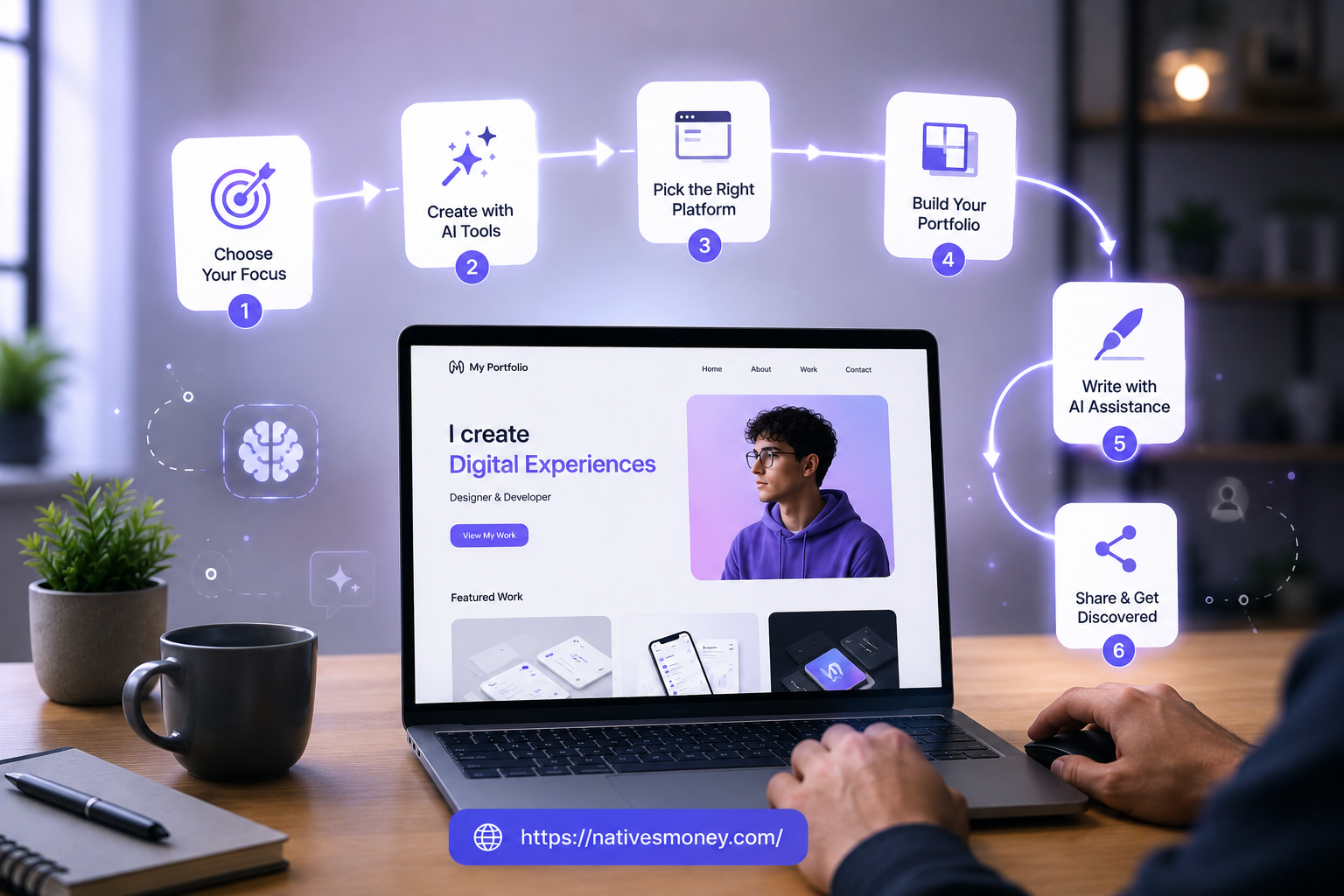
Here’s the exact process I used, broken into clear steps you can follow regardless of your freelance niche.
Step 1: Choose What You’re Showcasing
Before touching any tool or platform, decide exactly what your portfolio needs to demonstrate. A content writer needs to show range across content types. A social media manager needs to show cohesive visual and copy work. An SEO freelancer needs to show keyword research methodology and before/after optimization examples.
Write down three to five specific deliverable types your target clients would actually hire you to produce. These become your portfolio pieces. Everything else ,the design, the platform, the AI tools, and your freelancer portfolio website ,is just a vehicle for presenting these core samples well.
Step 2: Create Sample Work Using AI Tools
This is the step that changes everything for beginners. I used a combination of ChatGPT, Claude, and Canva to produce professional-quality sample work without a single real client assignment. These AI-generated samples became the foundation of my freelancer portfolio website, allowing me to showcase my skills and attract clients even before completing my first paid project.
For a writing portfolio: I used ChatGPT to draft outlines and first drafts across three niches, then edited each piece heavily to demonstrate real writing skill on top of the AI scaffold.
For a design portfolio: I used Canva’s AI-assisted design suggestions and template library to create polished social media graphic packs, presentation decks, and email header designs.
For an SEO portfolio: I ran a keyword research exercise on a real public website (with no claim to be a client) and documented the process and findings as a sample deliverable. This showed methodology without fabricating client results.
The key in every case: AI produces the foundation, your editing and judgment produce the finished product. The combination is what makes the output genuinely representative of your capabilities.
Step 3: Choose the Right Freelancer Portfolio Website
This is where most beginners overthink things. The right freelancer portfolio website for you depends on your niche, your target clients, and how much technical setup you want to handle.
Here are the main options I’ve tested:
Contra is one of my favorite freelance portfolio sites for beginners , it’s free, visually clean, designed specifically for freelancers, and lets you display work samples, set a rate, and even receive project inquiries directly through the platform. For most beginners, this is the fastest setup-to-live path.
Behance (owned by Adobe) is excellent for visual creatives , designers, illustrators, photographers, and video creators. It has its own built-in audience of potential clients browsing creative work, which means your portfolio gets passive visibility beyond just people you send the link to.
Journo Portfolio is purpose-built for writers and journalists, with clean layouts designed specifically to showcase written work. It’s one of the better freelance portfolio sites for anyone in the writing or content niche.
Carrd lets you build a simple, beautiful one-page website in under an hour for $9/year. I used Card for my personal freelancer website portfolio when I wanted something that looked more custom than a template marketplace.
WordPress.com or a self-hosted WordPress site offers the most flexibility and SEO potential of any option, but requires more setup time and some basic technical knowledge. Worth it once your business is established; overkill for most beginners in the first 90 days.
Step 4: Build the Portfolio Page Structure
Whatever platform you choose, a strong freelancer portfolio website follows a consistent structure. Here’s what mine includes:
A clear headline that states exactly who I help and what I deliver , not “Freelance Writer” but something like “I write SEO content for personal finance brands.”
A short bio section , three to four sentences maximum, focused on what you bring to clients, not on your background for its own sake.
Three to five work samples presented with context , not just the piece itself, but a brief description of the brief, the objective, and what the sample demonstrates about your approach.
A simple contact method , email or a contact form. Don’t overthink this part.
An optional rates or services section if you want inbound inquiries to be better qualified before they reach you.
Step 5: Use AI to Write Your Bio and Case Study Descriptions
This step gets skipped constantly, and it’s one of the highest-impact parts of a freelancer portfolio website. The copy around your samples matters as much as the samples themselves , it frames how a potential client interprets what they’re looking at.
I use ChatGPT to draft my bio and sample descriptions, then edit them heavily to match my actual voice. The AI draft gives me a starting structure; my editing makes it sound like me and ensures the framing emphasizes the right aspects of each sample for the audience I’m targeting.
Step 6: Share Your Portfolio Strategically
A freelancer website portfolio only works if the right people see it. I share mine in every Upwork proposal I send, in the bio section of my Fiverr profile, in my LinkedIn headline link, and in every cold email or outreach message to potential direct clients.
Don’t wait to share it until it feels “perfect.” A live portfolio with three solid samples that you’re actively sharing will convert more clients than a polished portfolio sitting unpublished because you’re still tweaking the color scheme.
Mistakes I Made Building My Freelancer Portfolio Website
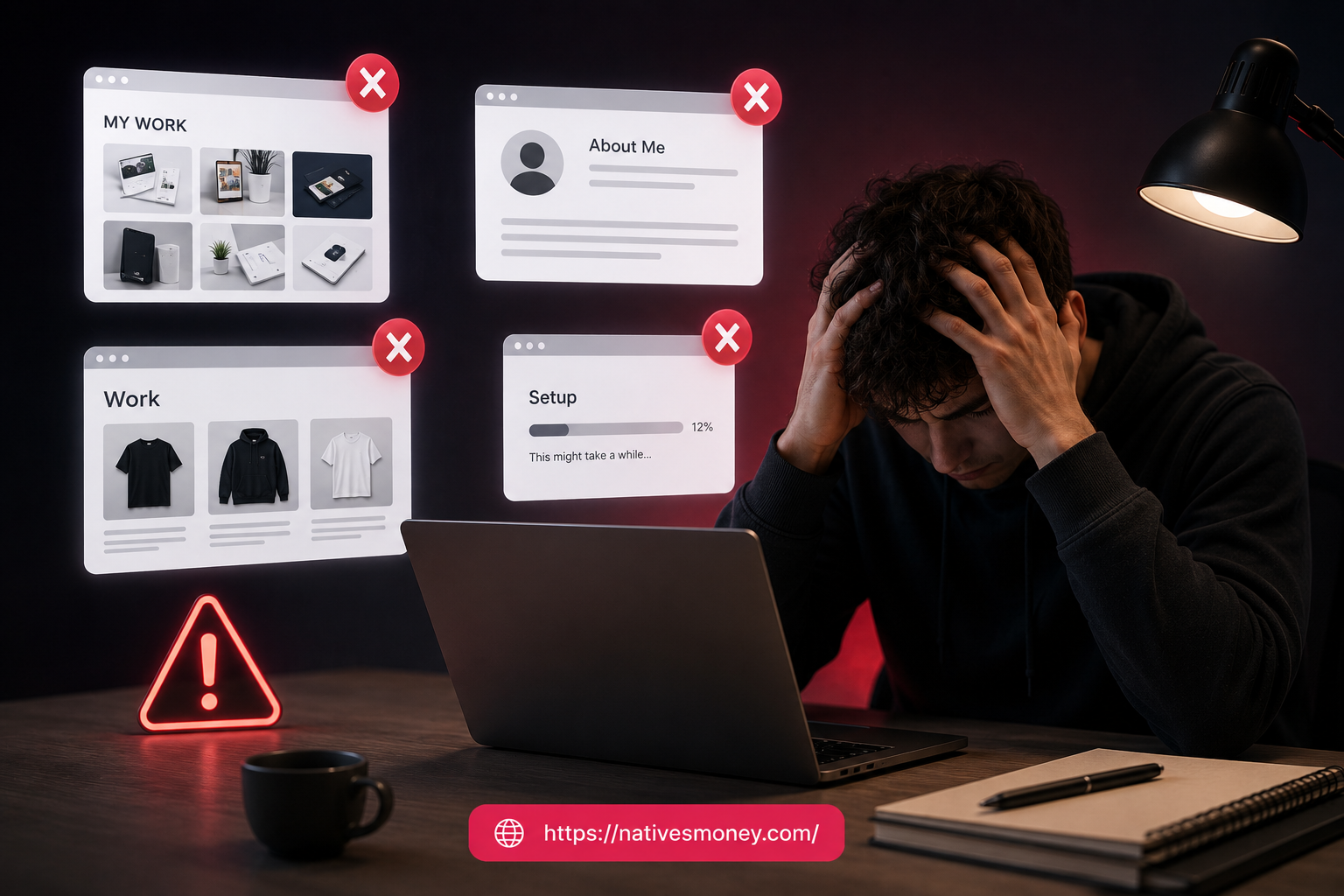
Mistake #1: Trying to show everything instead of curating. My first freelancer portfolio website had twelve samples across five completely different niches. It looked scattered and unfocused, and potential clients couldn’t quickly understand what I actually specialized in. Cutting it down to five niche-specific samples improved my conversion rate noticeably.
Mistake #2: Writing a bio about myself instead of about what I do for clients. My original bio read like a resume , where I went to school, what I’d done previously, vague claims about being “passionate about content.” Nobody hiring a freelancer cares about passion. They care about capability and reliability. I rewrote my bio entirely to focus on what I deliver and for whom.
Mistake #3: Not updating sample work as my skills improved. I left my original beginner-level samples on my freelance portfolio site long after my actual work quality had improved significantly. Better clients evaluate you based on what they see , outdated samples underrepresent your current capability.
Mistake #4: Choosing a complex platform that took weeks to set up. I spent two weeks trying to build a WordPress site from scratch before I’d landed a single client. That time was a wasted opportunity. For beginners, the simplest platform that presents your work clearly beats the fanciest platform that takes forever to launch.
What to Realistically Expect from Your Portfolio
Let me set honest expectations here, because a portfolio is a tool, not a guarantee.
A solid freelancer portfolio website with three to five strong samples typically converts cold outreach at a meaningful but modest rate , maybe 1 in 10 to 1 in 20 people who view it will reach out, depending on niche and platform. The portfolio’s job is to eliminate doubt once someone is considering you, not to replace the work of finding and pitching potential clients.
Most freelancers see their first portfolio-driven inquiry within two to four weeks of going live, assuming they’re actively sharing the link in proposals and outreach messages. The first client usually comes through active pitching, not passive portfolio discovery.
As your real client work accumulates over months three through six, your portfolio should be regularly updated with actual client deliverables and results, replacing the initial AI-assisted samples with stronger, more credible proof of your work. By month six to twelve, a well-maintained freelancer portfolio website functions as a genuine trust accelerant , significantly shortening the sales cycle with potential clients compared to showing up with nothing.
On the US tax side, any income from clients who find you through your portfolio is self-employment income. Track it from day one, regardless of amount.
Best Tools and Resources for Building Your Portfolio
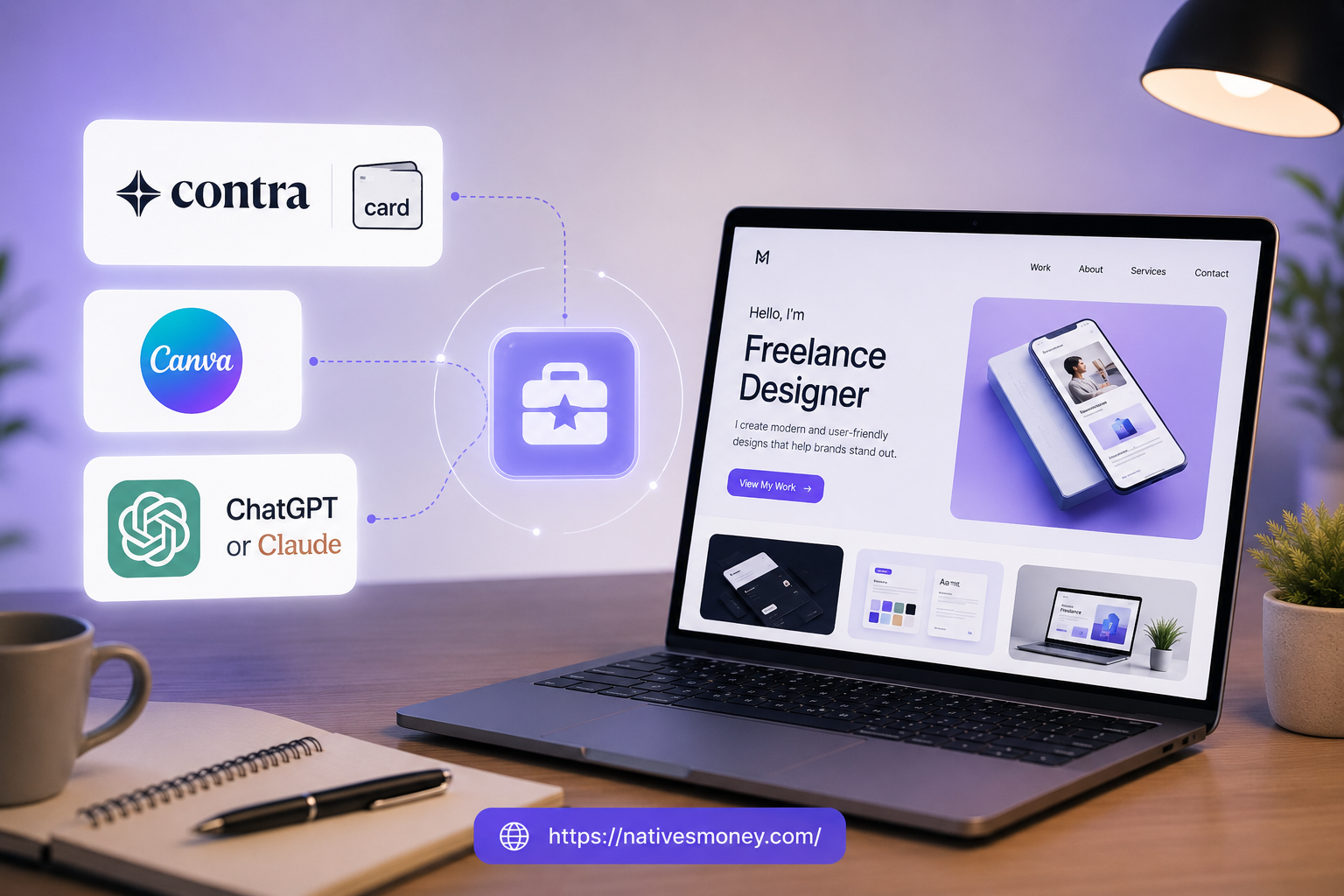
Here’s what I’d recommend to any freelancer building their portfolio this week:
Contra or Card are the two freelance portfolio sites I’d point most beginners to first—Contra for its built-in freelancer community and free pricing, and Card for anyone who wants a more custom one-page site at minimal cost. Both are excellent choices if you’re looking to create a freelancer portfolio website without spending a lot of money.
Canva (free plan) is essential for designing your sample work if your niche involves any visual output, and also for creating the mockup images that show your written samples in an attractive, professional format.
ChatGPT or Claude (both free tiers) handle the copy for your portfolio , bio, sample descriptions, service summaries, and contact page copy , faster than writing from scratch and with a useful first structure to edit from.
For more guidance on building your overall freelance business from the ground up, including how to land your first client and how to price your services, the Entrepreneurship section at Natives Money has more real-world, experience-based guides worth exploring.
The Bottom Line
Building a strong freelancer portfolio website before you have real client work is completely achievable with the right AI tools and the right platform , and it’s the single most important thing you can do to accelerate your freelance income in those first few weeks. A well-curated freelance portfolio site with three to five polished samples will consistently outperform a scattered collection of real work that doesn’t tell a clear story about who you serve and what you deliver.
Pick a platform this week, create your first three samples using the AI-assisted process in this guide, and publish your freelancer website portfolio before the weekend. The best time to build it was before you needed clients. The second best time is now. For more practical freelancing and business income guides, keep exploring nativesmoney.com.
Frequently Asked Questions
What are the best freelancer portfolio websites for beginners?
The best freelancer portfolio websites for beginners include Contra (free, built for freelancers, fast to set up), Carrd (simple one-page sites at $9/year), and Behance (best for visual creatives). Each of these freelance portfolio sites lets you go live quickly without complex technical setup, which matters most when you’re trying to start landing clients fast.
Can I build a freelancer portfolio website with no client work yet?
Yes , using AI tools like ChatGPT and Canva, you can create professional-quality sample work that demonstrates your capabilities without real client assignments. A freelancer portfolio website built with three to five polished AI-assisted samples is significantly more effective than waiting months for real client work to accumulate before going live.
What should I include on a freelancer website portfolio?
A strong freelancer website portfolio includes a clear headline stating who you help and what you deliver, a brief client-focused bio, three to five work samples with context explaining each one, and a simple contact method. Using best ai tools for business copy generation , like ChatGPT for bio and sample description drafts , significantly speeds up this process.
Which freelance portfolio sites work best for writers?
Writers tend to perform best on Journo Portfolio (purpose-built for written content), Contra (general freelancer portfolio site with a clean interface), and Contently (specifically for content writers working with brand clients). All three are legitimate freelancer portfolio websites that give written work the presentation it deserves.
How do the best AI tools for business help with building a freelance portfolio?
Best ai tools for business portfolio creation include ChatGPT and Claude for drafting sample content and portfolio copy, Canva for creating polished visual samples and mockups, and Grammarly for final editing passes before publishing. Together, these tools let you build a complete, professional freelancer portfolio website in days rather than weeks.